
Playing with friends: squads, teams and voice
There is no lobby to gather friends in before a match, as Dexerto and players on the Steam forum both describe it. You get into the same server, onto the same side, and into the same squad as three separate steps, and each can go wrong on its own.
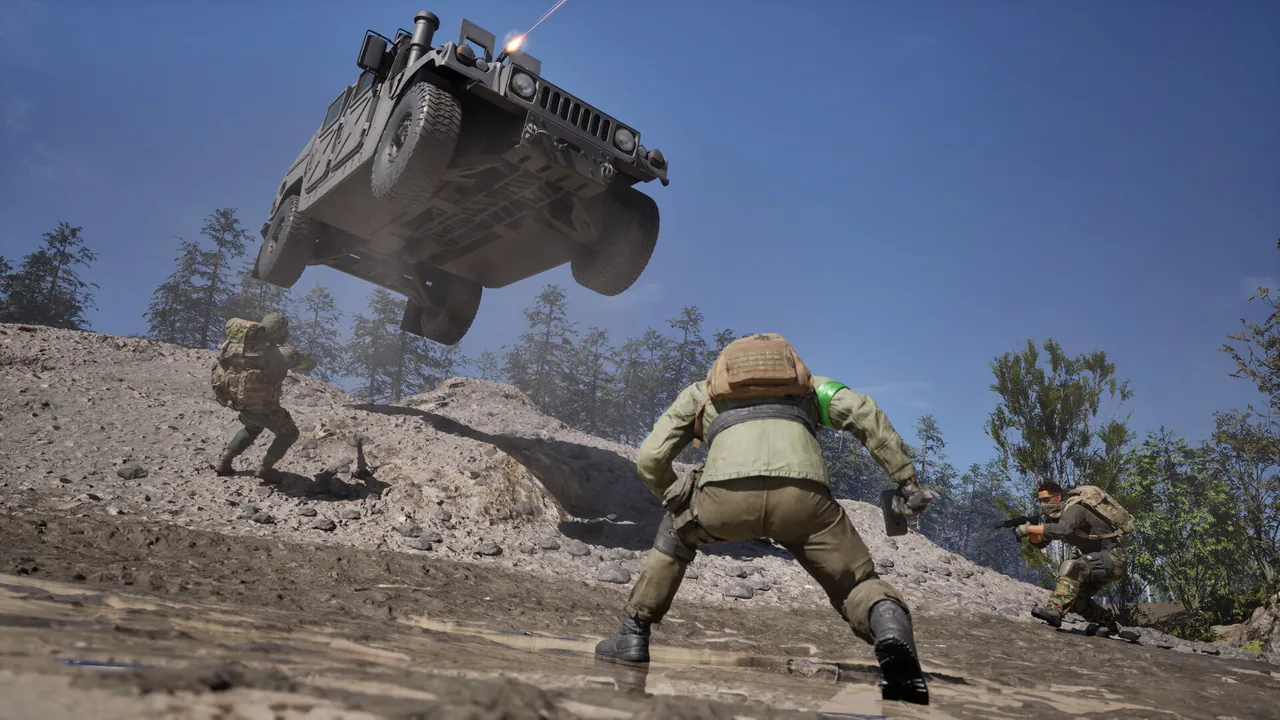
Two ways into the same match
- One friend joins a server and picks a side.
- Metaforge says they should create a squad before anyone follows; Dexerto says you do not need to.
- Everyone else right-clicks that friend in the Steam friends list and chooses Join Game.
Both guides say this puts you on the same team and in the same squad if there is room. What happens when there is not, neither says.
- Agree on a server, ideally a quiet one, and join together.
- Everyone picks the same faction colour.
- One person creates a squad from the Escape menu and the rest join or get invited.
Slower, but it does not depend on Steam’s join putting you together.
The server browser changed after launch. Patch 0.11 split it into Official and Community tabs and made Community server IDs permanent: they “were previously wiped on map change and restart. They will now persist, and each server will have its own unique ID so players can join via ID.” The same line warns the new IDs are longer, so a short ID copied from a fan list before the patch may no longer work. From Steam announcement — Scheduled Maintenance & Patch 0.11 More on the two browsers is on the servers page.
Will you end up on the same team?
Not guaranteed, and no announcement or official video promises it. What the studio has said is that there is no matchmaking behind the browser: “There’s no skill-based matchmaking, or aggression-based matchmaking, or anything else.” Before launch it also said team sizes swing between about 27 and 33 as players come and go. Both said in Steam announcement — Answering Your Questions Dexerto’s warning is about busy servers: join a nearly full one and it gets harder to land on the side your friends picked. A video recorded just before launch also describes the game briefly refusing a team when the sides are uneven; nothing since has confirmed that, but it is worth knowing if the button does nothing.
Switching sides mid-match is possible from the same menu, according to GameRant, and one Reddit post describes players using it to cross over and wreck an enemy base. The studio lists “Team Switching Controls” among features that are “not yet ready but are in the pipeline”, without saying what they will change. Listed in Steam announcement — Scheduled Maintenance & Patch 0.11
What a squad actually gives you
| Feature | Who says so |
|---|---|
| A squad-only voice channel | The studio calls it squad voice chat; GameRant, Metaforge and jackfrags describe it as private to the squad |
| Vehicle locking to your squad | The studio |
| Pings that only your squad sees; outside a squad nobody sees yours | GameRant and two video guides |
| Squadmates marked in gold on the HUD and minimap | GameRant (which says yellow) and Metaforge |
| Respawning on your squad | Not as of the studio’s pre-launch video: “War Dogs has no squad spawn system, so you can’t just respawn on your friends.” Said in Steam announcement — Early Access & Beyond |
On size, the studio’s answer before launch was “No friend is left behind. Squadding up provides additional UI, communication tools, and vehicle locking for better coordination.” From Steam announcement — TOP QUESTIONS It called squad sizes unlimited, which in practice would make your team the limit; no source since launch gives a number. To make one, GameRant and Metaforge both describe the same menu: Escape after you pick a side, the Create button at the top of the squad list, and invites sent from the unassigned players list. Neither source covers leaving a squad or passing on the lead.
Voice chat, and when it does not connect
There are two channels. Proximity voice is exactly that: “Wardogs has local VoIP heard by all three teams.” Said in the video posted with Steam announcement — Pre-Order Now Squad voice reaches only your squad. The default keys, per Shacknews, are K to talk to everyone nearby, J for the squad, and U on the scoreboard to switch voice off and on. The rest of the defaults are on the keybinds page.
When push-to-talk shows a struck-through microphone, none of the published fixes is official. LagZapper’s list, written during a playtest, covers the most ground: press U twice on the scoreboard to reconnect, toggle voice chat off and on in the audio settings, check that the game is using the same microphone as Windows, test both push-to-talk binds separately, allow microphone access in Windows privacy settings, and verify the game files. None of it is official, and it does not always work: one player on the Steam forum reported trying most of it, on several servers, without success.
Once you are together, building a base and flying the squad in are the two things a group does that a solo player cannot, and the levelling page has what each role earns XP from.