
Flying, and what it costs when it goes wrong
When the studio wanted one example of how much a bad second costs in WARDOGS, it reached for a helicopter. Two airframes have published prices; the flight model has no published manual in anything the studio has put out.
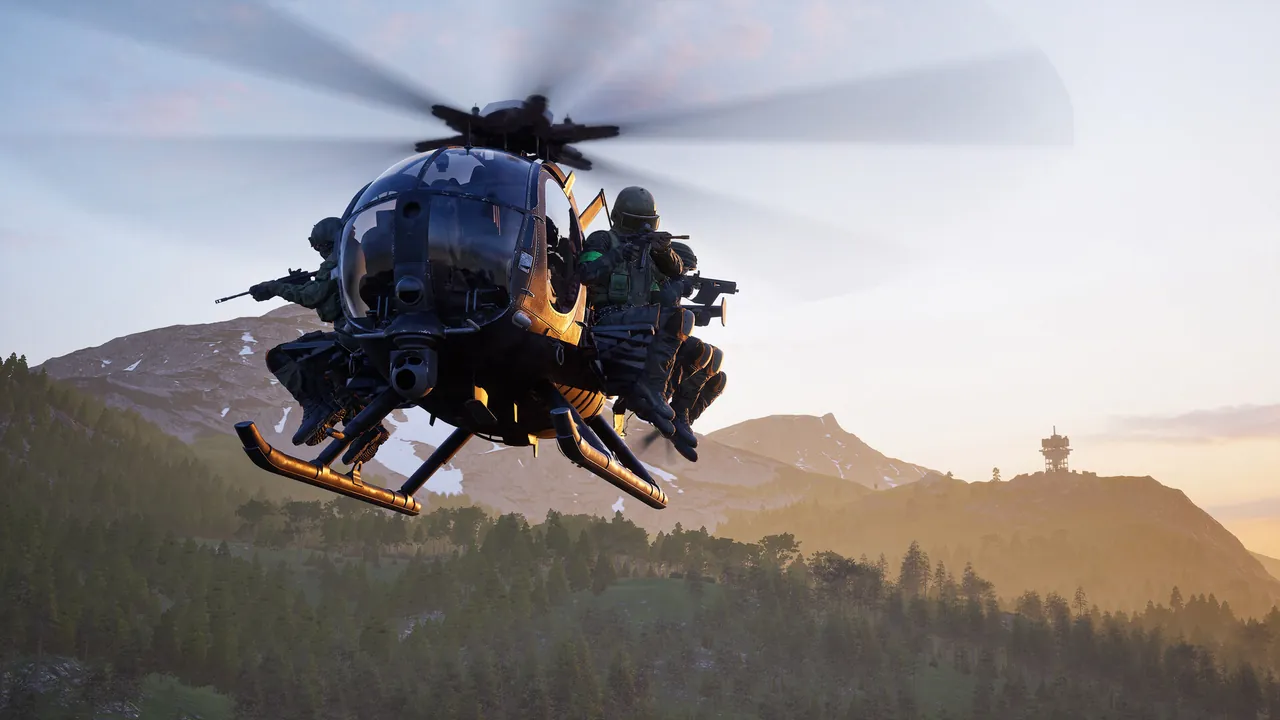
The two priced airframes
| Pilot track | Beta price | Season 1 price |
|---|---|---|
| Z20 Lakota | $50,000 | $35,000 |
| Little Bird with miniguns | $25,000 | $50,000 |
| Small armoured supply crate | $5,000 | $10,000 |
The Lakota got cheaper in the same pass that doubled the minigun Little Bird. The changelog lists both moves and gives no reason for either. Every figure here is from Steam announcement — Pre-Load Live & Season 1 Changelog Every price on both tracks is on the cost planner.
An RPG with rockets “could cost you about $3,000, but could earn you $10,000 if you destroy a packed enemy little bird.”
It is the only worked payout example in anything the studio has published, and the target in it is a helicopter. The wording is loose on purpose — it illustrates the risk rather than setting a rate. Said in Steam announcement — WARDOGS: Tactical Depth & Teamplay
What the launch build changed about flying
- “Z20 Lakota balance pass, and a fix for sluggish pitch.”
- “Helicopter input damping now applies to every input device.” Which devices those are is not listed; controller support is its own question.
- The Lakota’s chase camera rattle was brought down by six decibels, an audio fix rather than a handling one.
All three listed in Steam announcement — Pre-Load Live & Season 1 Changelog
The default bindings, and the guide that changes them
Nothing the studio has published sets out a control scheme. Two guides list the defaults and they match each other, so the table below is as close to settled as this gets. The trap is a third guide: GameSpot rebinds collective before it teaches anything, then writes its whole flying tutorial in the rebound scheme. Follow those instructions on a default install and Left Shift climbs where the article says it descends. Copy the rebind instead and Space can lose its parachute binding, which GameSpot has since conceded; the keybinds page has the default list and the way back.
| Input | IGN | BisectHosting |
|---|---|---|
| Climb and descend | Left Shift ascends, Left Ctrl descends | Collective raise Left Shift, lower Ctrl |
| Pitch and roll | WASD, the keys around them for the rest | Cyclic X on W and S, cyclic Y on D and A |
| Yaw | Turn left and turn right | Yaw left Q, yaw right E |
| Camera and flares | Camera perspective, free look on Left Alt | Toggle camera C, free look Alt, flares V |
The game’s own labels are cyclic, collective and yaw rather than pitch, climb and turn, which is why the two tables above read so differently for the same keys. Thrustmaster’s guide, written by the flight-stick manufacturer, is the one that explains what each term does. None of the three is the studio, and none of them is your install: the keybindings screen is the only authority on what your build is actually set to, and what a pad does with any of it is on the controller page.
Landing is the part that costs money
Touching down with speed damages the airframe you just paid for, and the guides split on what to do about it. GameSpot teaches the cautious version: bleed momentum sideways, back and forth, until you are low enough to set down. A creator who says he flies helicopters for a living published a tutorial for the J-hook instead, a fast descending turn that arrives at speed so no gunner gets a straight line on you. One protects the aircraft, the other protects the crew.
Both are cheaper to practise than to learn in a match. GameSpot describes the firing range as the place to do it, with a vehicle vendor that spawns any aircraft for free.
Only two airframes carry a price in the changelog, and Dexerto’s vehicle wiki lists more, read off the game. Ground vehicles and their prices are on the vehicles page, how the Pilot track unlocks them is on the progression page, and what the cash you are risking is worth is on the economy page.