
WARDOGS performance on real PCs
The graphics settings scale a long way, but crowded bases lean on the CPU, and helicopter flights are where frame rates dip hardest in the tests that flew one. Every number below comes from a video recorded after Early Access launched and links to the second where it appears.
Figures are average frames per second, with the 1% low after the slash where the benchmark showed one. Compare averages across sources; each tool counts lows differently.
Different PCs, launch build
Settings vary from row to row because each tester used their own, so read this as a range of real setups rather than a ranking of graphics cards.
One card, every preset
With the CPU out of the way (a Ryzen 7 9800X3D), an RTX 5070 shows what the settings themselves cost. At 1440p, going from Potato to Overkill takes it from 150 to 83 frames a second, and switching Overkill from native to DLSS Quality wins back to 98. At 1080p and 1440p the bottom of the menu runs about 1.6 to 1.8 times as fast as the top on the same card.
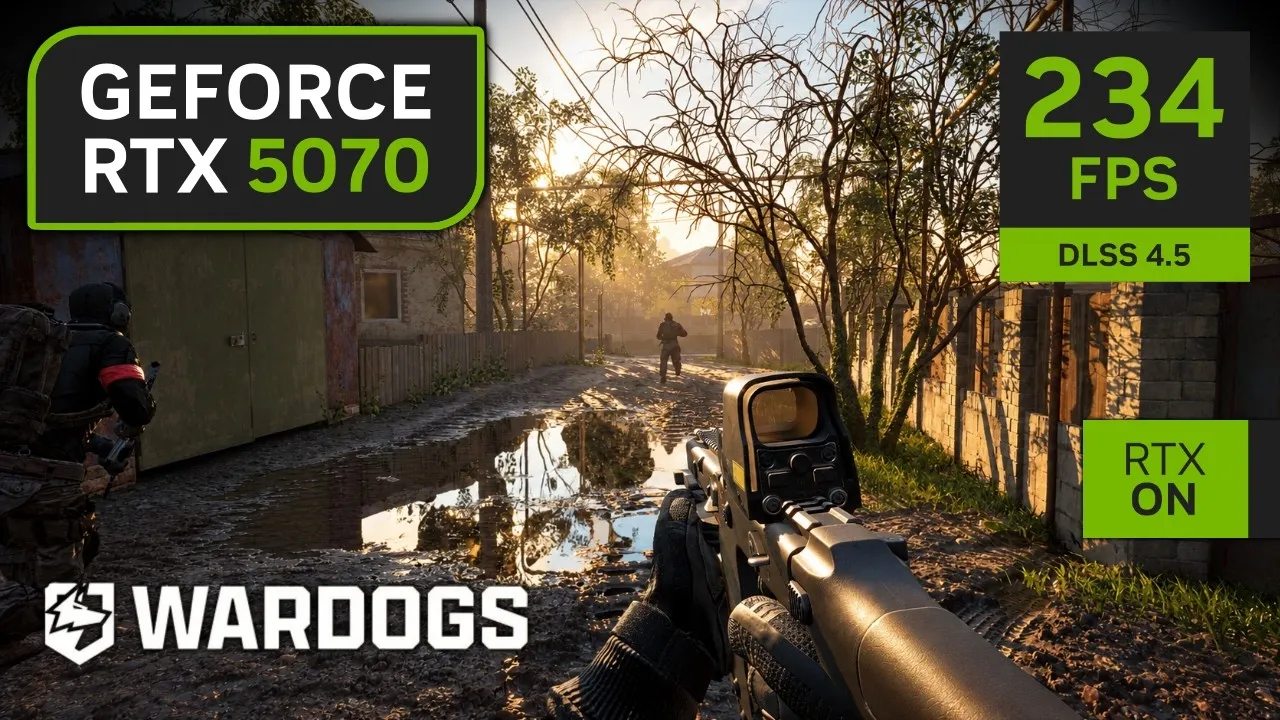
Overkill is not on every menu. In its level design video the studio said: “So, to combat that, we’re only making overkill available to players on 40 series cards and above.” From Steam announcement — Level Design & Performance
When the CPU is the limit
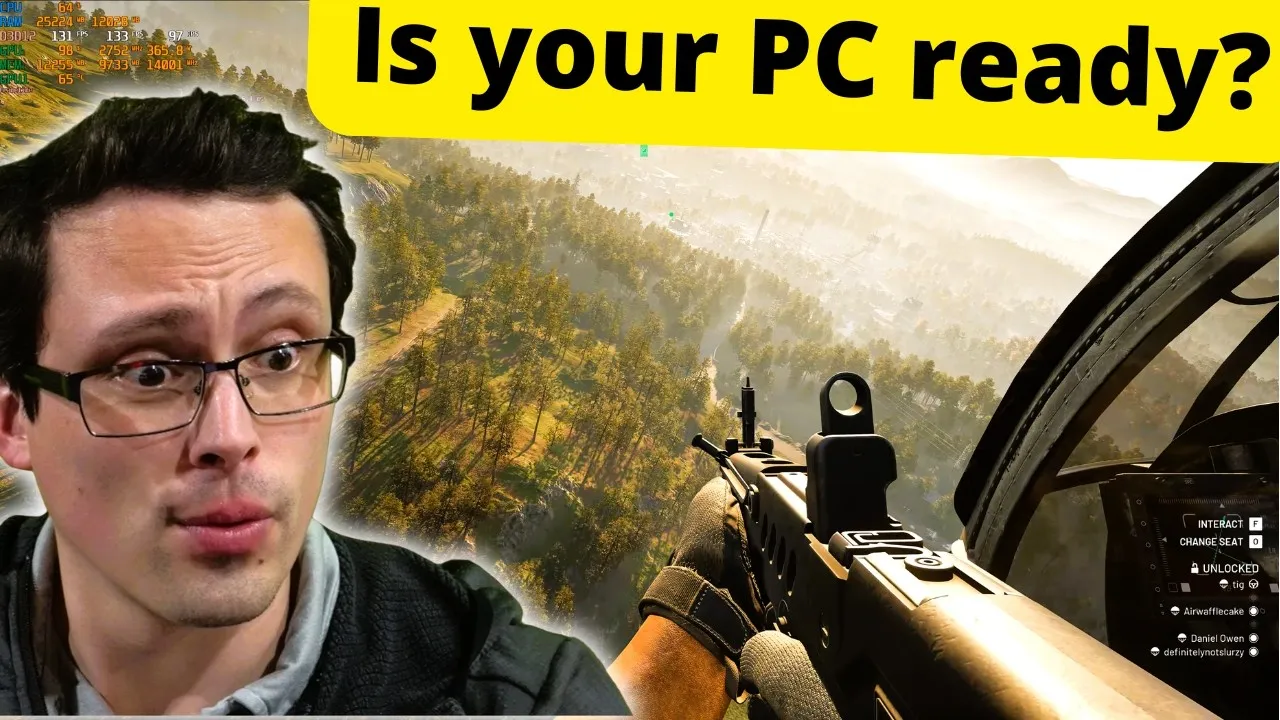
On the Ryzen 5 5600X, Daniel Owen’s RTX 3060 averaged 75 at 1080p Medium in a crowded base while the overlay showed ten of the twelve CPU threads at 100%, the other two at 99%, and the graphics card at about two thirds. Lowering settings barely helps in that situation; a faster CPU does. The same bases on a Ryzen 7 9800X3D were, in his words, not that bad. One player with an RTX 2080 Ti on a 9800X3D reports Low and Max differing by no more than about ten frames at 1440p.
The studio has been open that a full hundred-player match is demanding, though the worry it named in its level design video was the server side rather than your PC: “My first thing was server performance. That’s going to be our key bottleneck.” From Steam announcement — Level Design & Performance
- Helicopters are the worst case in the tests that flew one; the GTX 1080 Ti tester calls them the most demanding part of the game, and the RTX 3060 dips there too.
- 16 GB is the official memory figure for both tiers. One player on the Steam forum says their stutter stopped after upgrading from 16 GB; that is a single report, not a test.
Older cards, and why beta videos flatter them
The launch build changed shadows. The Season 1 notes say shadow quality is now clamped to Low on high benchmark scores instead of being switched off, and Team17 support told a GTX 1070 Ti owner:
“Unfortunately, potato is currently unavailable for shadows, we’ll be sure to pass over your thoughts however.”
From Steam discussions — Team17 support reply on performance That owner reports frequent drops to 45 or lower at 1080p Low, where the beta had run fine. So benchmark videos recorded during the betas, when Potato shadows still existed, deserve caution for older cards: the one owner who compared says the beta ran fine and the launch build does not. The launch-build numbers for older and budget cards come from narration rather than an overlay, so they are given as said:
| Graphics card | Setup | Frames per second | Source |
|---|---|---|---|
| GTX 1080 Ti Ryzen 5 5600 | 1080p High, native | about 45–50 indoors, about 40 outside | Matt Miller Gaming, 5:47 |
| GTX 1080 Ti Ryzen 5 5600 | 1080p High, FSR Balanced | about 50–60 | Matt Miller Gaming, 6:55 |
| RX 6600 Ryzen 5 5600 | 1080p Medium, FSR native | about 77 on the ground | Matt Miller Gaming, 2:01 |
| RX 6600 Ryzen 5 5600 | 1080p Medium, FSR Balanced | about 110–115 | Matt Miller Gaming, 6:28 |
| RX 580 Ryzen 5 5600 | 1080p Potato, FSR native | about 50–55 while driving | Matt Miller Gaming, 3:41 |
| RX 580 Ryzen 5 5600 | 1080p Potato, FSR Balanced | about 80 in a base, about 70 in the open | Matt Miller Gaming, 7:29 |
| GT 1030 Core i5-12600KF | 1080p Potato | about 14 | zWORMz Gaming, 1:59 |
None of the launch-build tests here uses the official minimum card (GTX 1660 or RX 590) or the recommended one (RTX 3070 or RX 6700 XT); the requirements page has what the studio targets on each.
What actually moves the numbers
- The preset, when your graphics card is the limit: roughly half the frame rate separates Potato from Overkill in the RTX 5070 runs above.
- Upscaling, which is on by default. DLSS or FSR helped in each paired run above, and a player on a CPU-limited system reports it barely changing anything. Always compare numbers with the upscaler named.
- The picture-in-picture scope. A launch-build test on an RTX 5070 Ti gives roughly 144 frames without it and 96 with it in the video’s description. The settings page has the rest of the menu.
- Reflex cut latency by about 15 milliseconds in one RTX 5090 test, at the cost of spikier frame times. Frame generation doubled the counter in the same test, but those extra frames are generated, not rendered, so they are left out of the charts here.
Stutters and freezes are a different problem
Players on high-end PCs report short freezes of half a second to a second too, some of them in the firing range and the main menu, so a faster PC is not a guaranteed cure. For performance trouble generally, Team17 support has suggested adding -nogpucrashdebugging to the launch options and setting NvidiaDLSSMode and FSR3QualityMode to 0 in GameUserSettings.ini, in the same Steam thread. Crashes and error codes are on the errors page.